Photo Culling Workflow: Cut 3,000 Frames Down Fast
Cut three thousand frames down to a few hundred without losing the shots that matter.
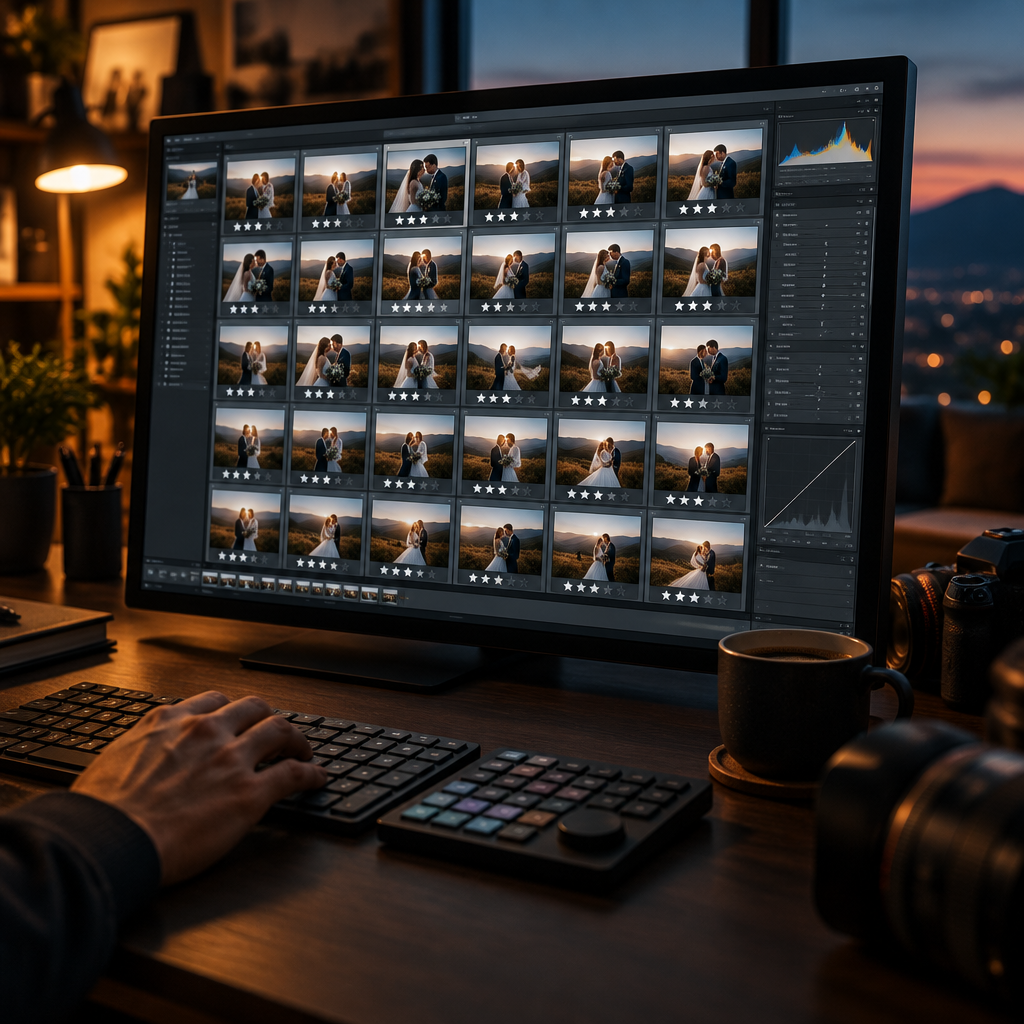
Why culling became the bottleneck
For years the slow part of photography was the edit. Hours per shoot, applying and refining develop settings frame by frame. A better photo culling workflow was never the thing anyone promised to fix.
That changed. A tool trained on your own catalogue can now produce a first pass in minutes. A first pass that needs checking, not doing.
So the bottleneck moved. What is left is the part nobody automated well: choosing which 300 frames out of 3,000 deserve your attention. That is why a solid photo culling workflow is now the highest-leverage fix in post-production. You cannot edit your way out of five hours of squinting at near-identical bursts.
The 2026 photo culling workflow, step by step
Four passes. Each one has a single job. Keep them separate and the whole thing gets faster.
Step 1: Ingest and back up in the same move
Copy from the card to two drives at once. Photo Mechanic flags card read errors immediately, which is the main reason many photographers ingest there rather than in Lightroom.
Rename your files and stamp copyright, location, and client metadata during ingest, not after. It takes seconds when images are already flowing past you and an hour when you do it later.
One rule: never cull before you have two copies. Not one drive and good intentions.
Step 2: Let AI take the first cut
Lightroom Classic now includes Assisted Culling. It scores subject focus, eye focus, and whether eyes are open. It can set aside exposure problems, misfires, and photos of documents. A Face View isolates each person and stacks similar frames, with the strongest one identified. Images sort into selects and rejects.
Adobe’s documentation does not describe it deleting anything. Confirm that yourself before you let it run unattended on a client catalogue.
The goal of this pass is not to pick your best photographs. It is to remove the technically broken ones so your eyes never touch them. Expect it to miss. It cannot see the emotion in a frame with soft focus, or know that the second-best expression is the one your client will print.
Step 3: A speed pass before the slow pass
Photo Mechanic does not import files or build a database. It reads the small JPEG preview your camera already baked into every RAW file. That is why arrow-key culling there feels instant, even with 100-megapixel files.
Lightroom works differently. It renders 1:1 previews first. For 1,000 45-megapixel RAWs that is roughly 5 to 12 minutes on a modern Mac, and considerably longer on older hardware. Then there is a small stutter between frames that quietly compounds across thousands of images.
The practical result: a four-hour Lightroom culling session compresses to about 90 minutes in Photo Mechanic. Give yourself one rule during this pass. Star rate at speed, never zoom, never look twice. Judgement comes later.
Step 4: One creative pass, then stop
Filter to your five-star picks. Look at those once, at full size, and make the final call. Then open the editor and start working.
The mistake is opening the whole set again “just in case”. That is how a 15-minute review becomes another evening at the desk.
Do you actually need another subscription?
Pricing settled into two clear shapes in 2026: flat and unlimited on your own machine, or metered in someone else’s cloud.
- Aftershoot Select: about $10 a month billed annually. Unlimited images, 30-day trial.
- Narrative Select: $10 to $60 a month depending on tier, unlimited projects.
- Imagen: cloud based, from $12 a month as an add-on. Upload first, then browse.
- Photo Mechanic: about $139 one time. Fast manual culling, no AI selection.
If you already pay for a Lightroom plan ($11.99 monthly for Lightroom, $19.99 for the Photography plan), Assisted Culling costs you nothing extra. For a handful of sessions a year, that built-in pass is usually enough.
Shoot twenty weddings or more and a flat unlimited plan can pay for itself in a single busy month. Flat pricing means a 4,000-frame August costs the same as a quiet February. Metered pricing tracks your volume, which is kinder in a slow year and harsher in a good one. Neither is better. One of them fits how your year actually runs.
The one mistake that undoes all of it
Culling only for the best-looking frames.
A set can look strong and still be missing the photograph the client asked for. The grandmother’s face. The ring detail. The wide frame that establishes the room. Absence does not announce itself in a grid of good images.
The fix costs nothing. Keep the shot list, or a printed list of must-haves, beside your monitor during the review pass. Check the set against the brief, not just against each other. Two minutes, and it has saved more client emails than any piece of software on this list.
What this looks like in practice
Ingest to two drives with metadata applied. Run Assisted Culling or your AI tool of choice to clear the broken frames. Do a fast star-rating pass in Photo Mechanic. Review only your five-stars against the shot list. Edit, export, deliver, back up.
A workflow is not about owning the right tools. It is about never making the same decision twice.
Further Reading & Resources
- Photography Workflow Trends 2026: Real Shifts vs Hype (Kepla) for what actually changed in the pipeline this year, verified against vendor pages.
- Photo Mechanic vs Lightroom Culling: 2026 Speed Test (FindMe Photo) for the timing numbers behind the speed gap.
- The 12 Best Photography Workflow Tools in 2026 (Storyflow) for a full tool-by-tool comparison and pricing table.
- Select best photos with Assisted Culling (Adobe) for the official feature breakdown.
- Is Photo Mechanic Still Worth Buying in 2026? (imagic) for the honest limits of a pure speed tool.
Your turn
What does your culling setup look like right now? Are you still clicking through every frame, or has AI earned your trust yet?
Tell me in the comments, or send me a note. I read every one. And if you would rather spend your evening photographing than sorting, get in touch about a session. I will handle the 3,000 frames. You just show up and be in the pictures.
More from the journal

Holiday Mini Sessions: How to Prepare for Family Photos
Holiday mini sessions made simple: what to wear, how to prepare the kids, and what to expect so your family photos feel calm and look great.

Intro to Light Painting Photography: A First-Timer’s Guide
An intro to light painting photography: the settings that work, gear you already own, and step-by-step first-time tips for painting with light after dark.
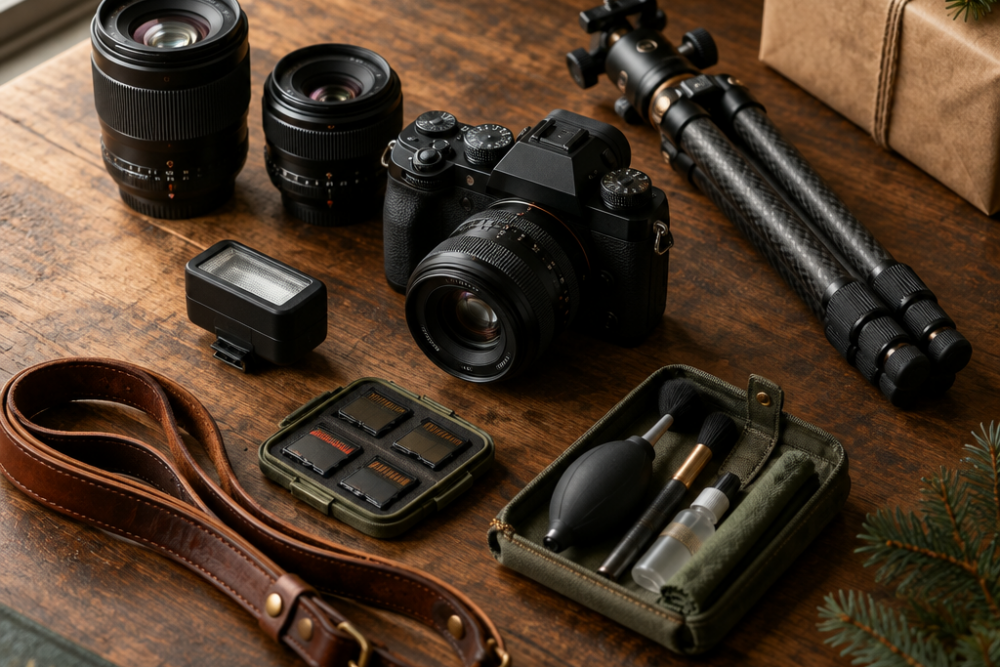
Gifts for Photographers: 12 They’ll Actually Use in 2026
Skip the lens mugs. Twelve practical gifts for photographers in 2026, from $10 stocking stuffers to real upgrades, chosen by a working shooter.